Atlas Editor Case 3 of 4
A node canvas for forms with thousands of rules
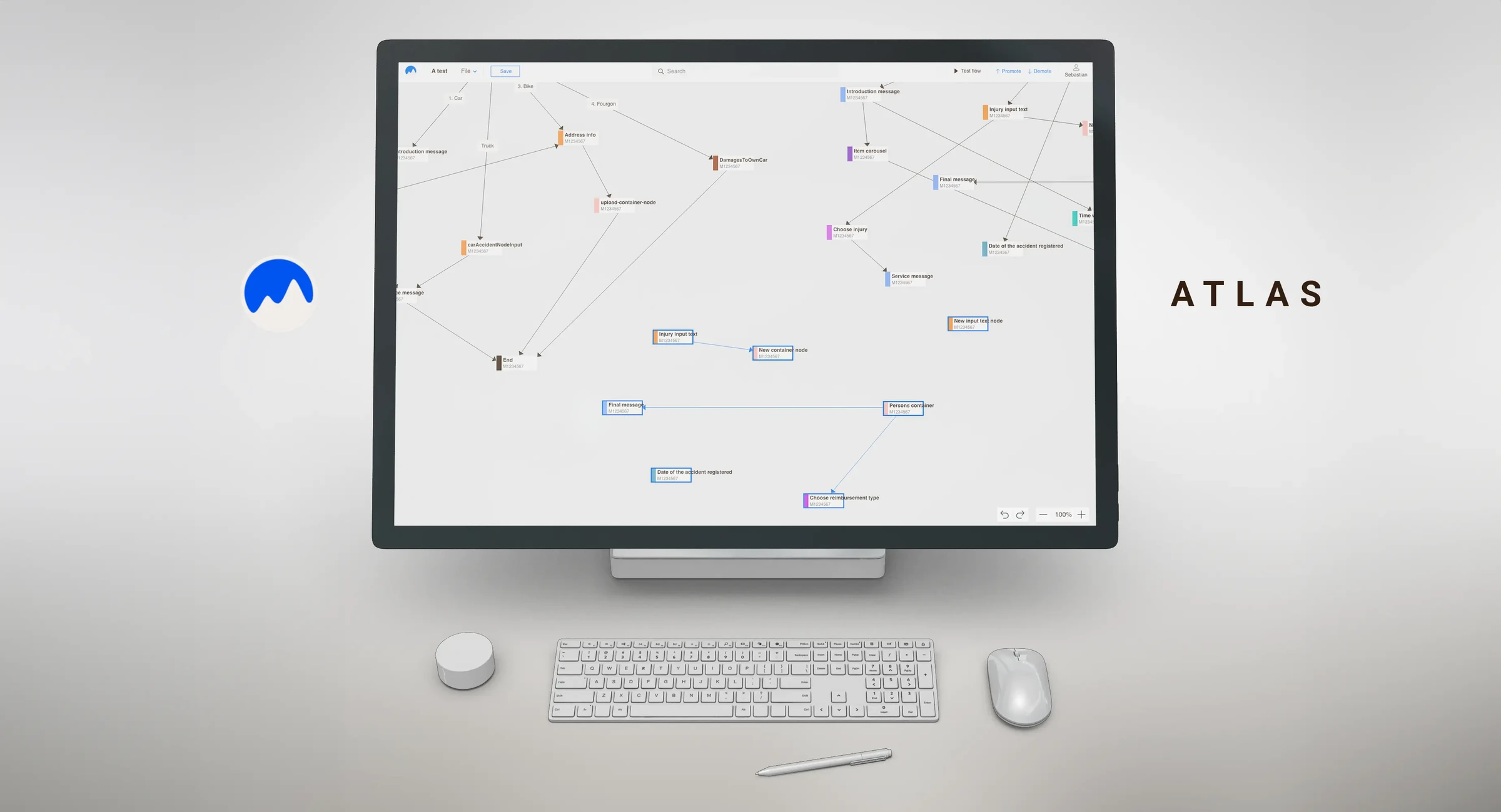
The internal tool our teams use to build form logic from reusable nodes. It started with claims and spread across the company. I was its Product Designer and Owner.
In short
Insurance forms are mostly logic. If this, ask that, skip the next five questions.
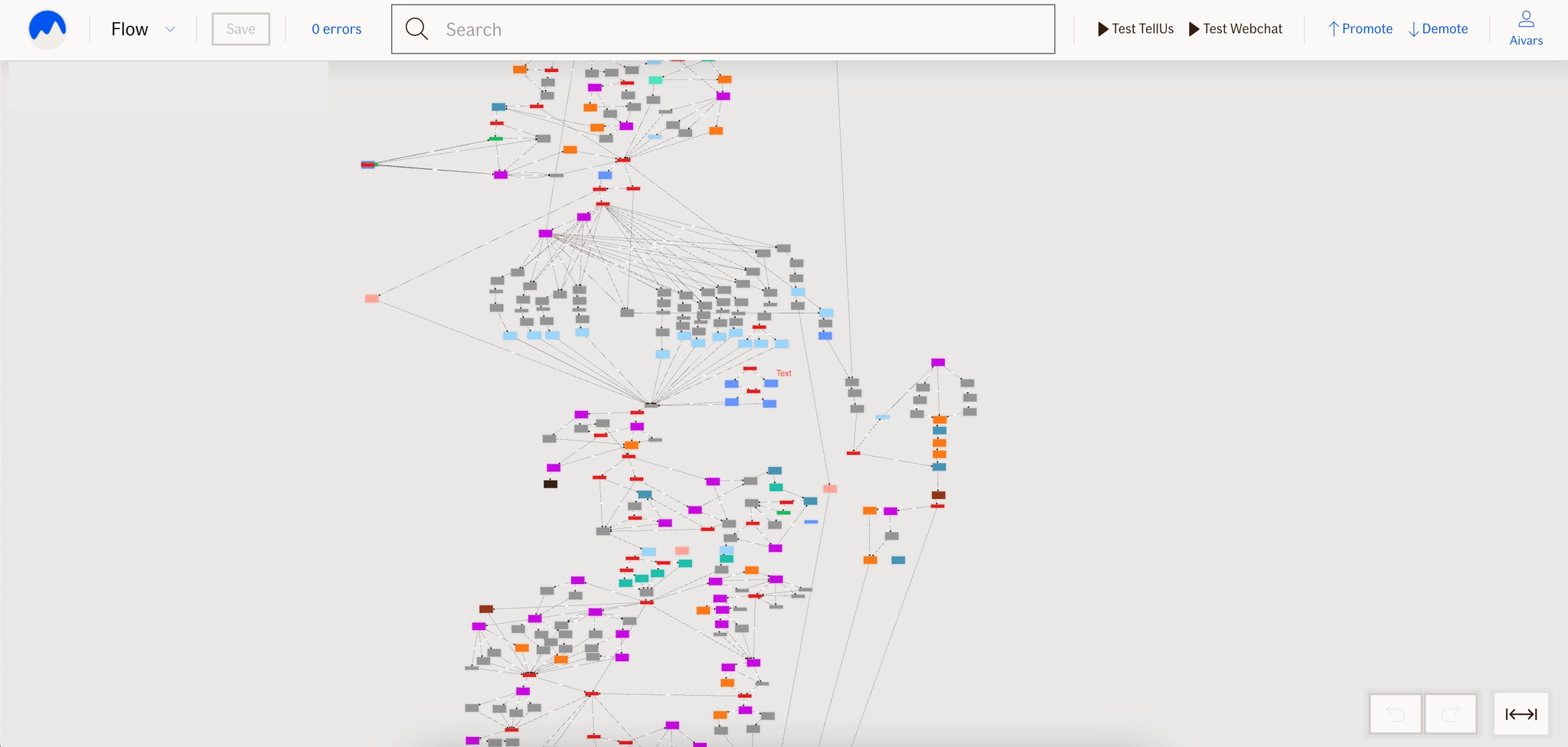
Atlas Editor lets our people build that logic themselves, as connected nodes, without waiting for a developer. It started with claims forms and spread across the company. The biggest forms run to thousands of nodes.
Goal
Let the people who know the business build and change form logic themselves, safely.
Success metrics
- Forms built and changed without developer help
- Business areas using it
- Time to build or change a form
- Errors caught before a form goes live
- Reuse of nodes and sections
- Satisfaction of daily users
My role
Product Designer and Owner: interviews, priorities, roadmap, and saying no to good ideas that had to wait.
Discovery
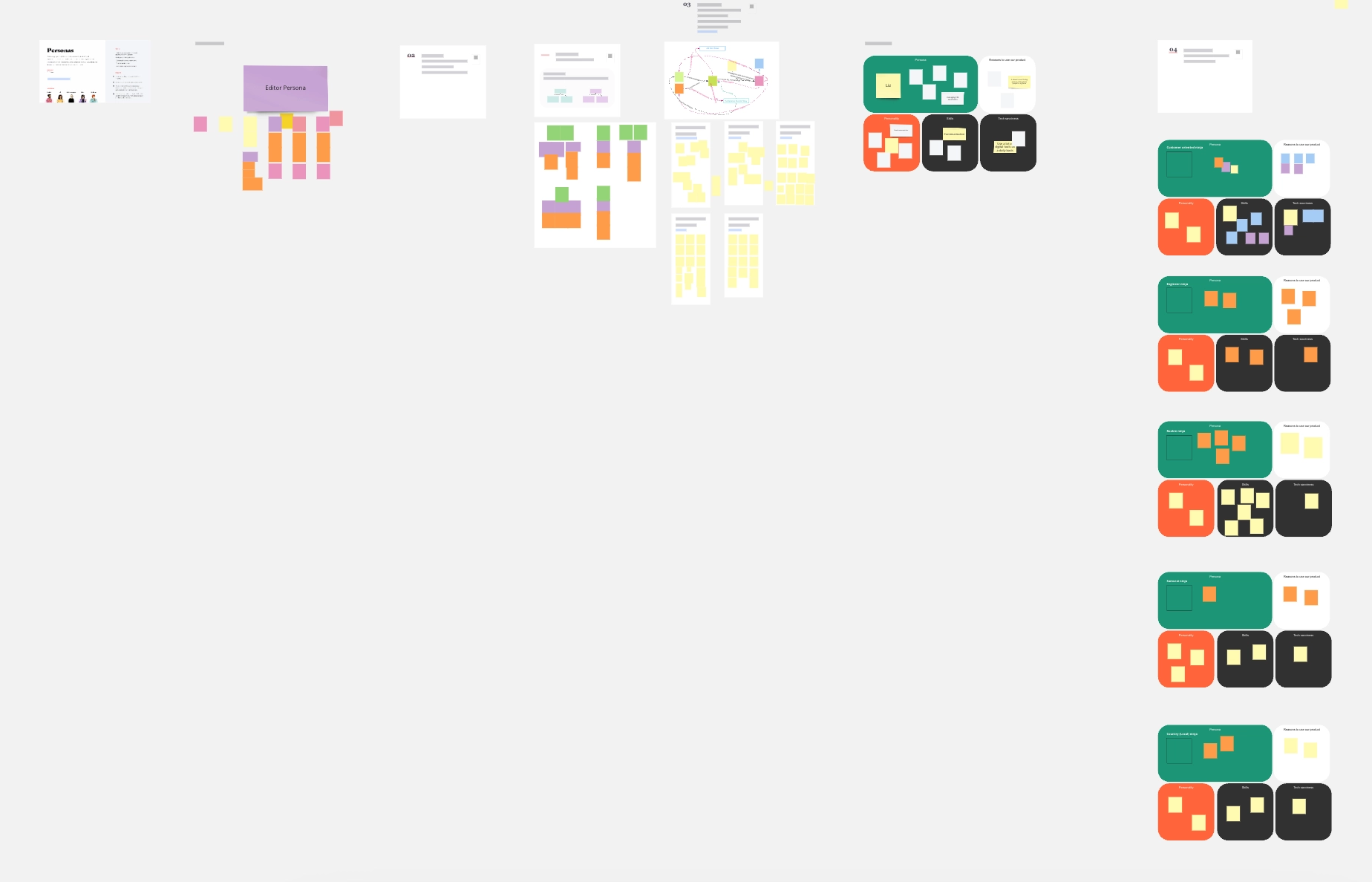
Its users are experts who work in it for hours and know insurance far better than I do. Interviews gave us personas we never made pretty; they were for the team, not a portfolio.
Workshops
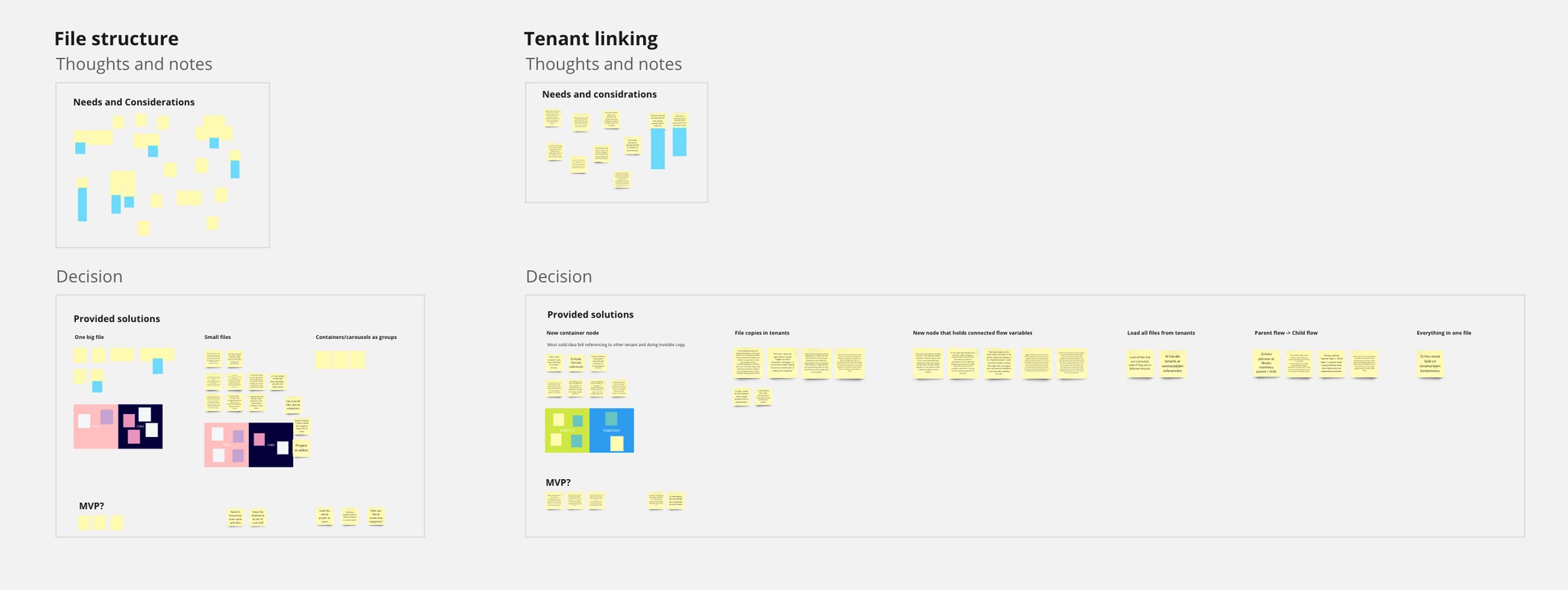
Big questions, like how files should be organised, were settled in workshops with business developers.
Testing and priorities
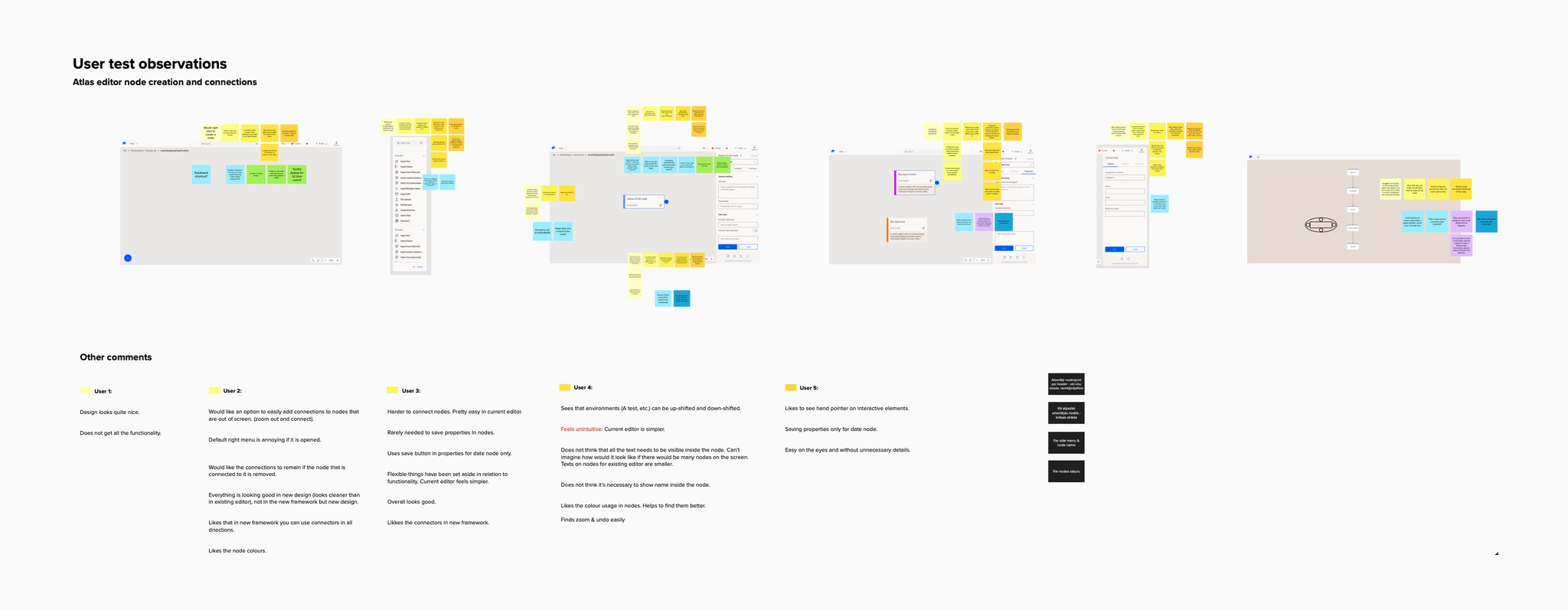
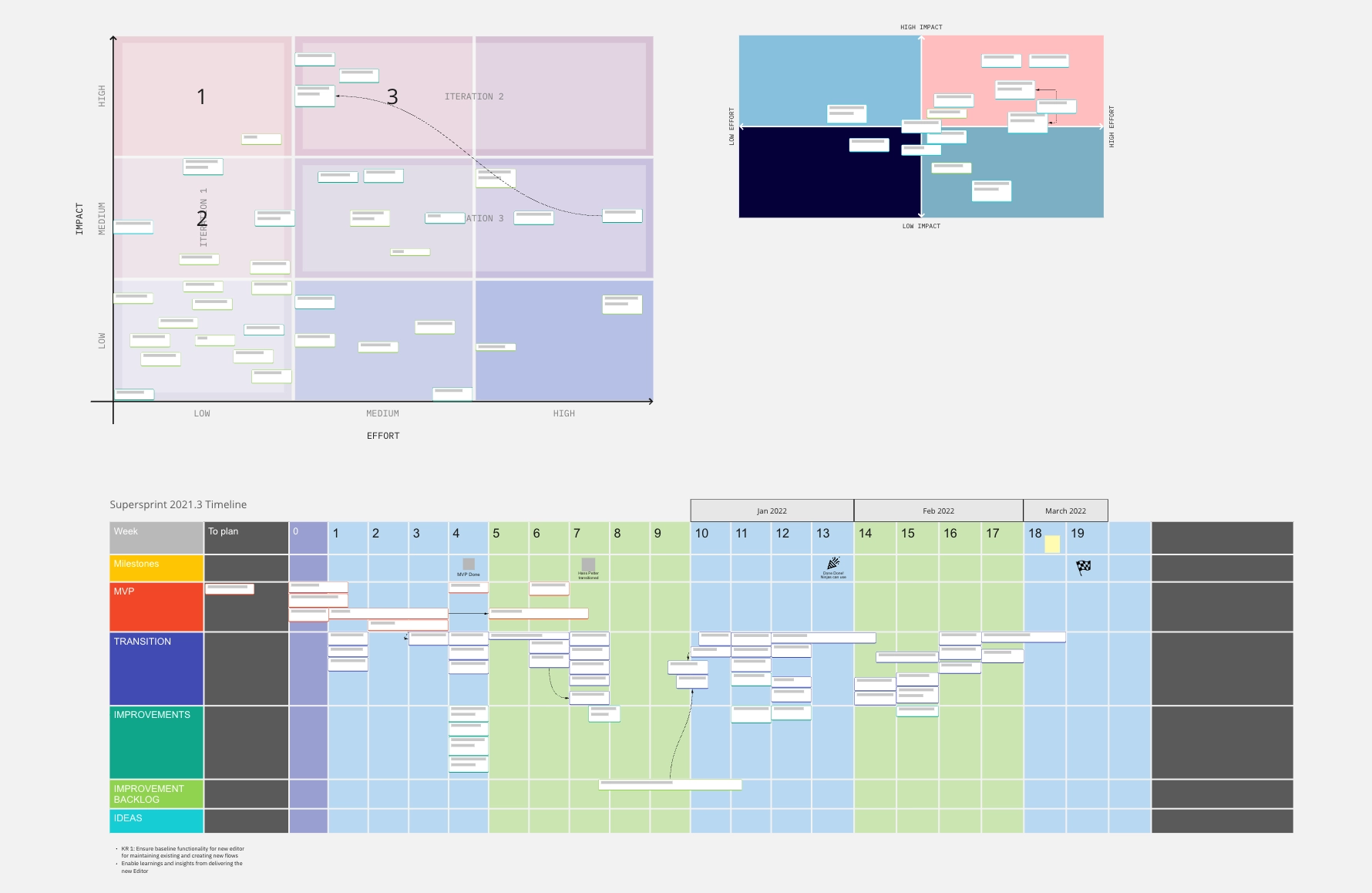
The first iterations went straight to user tests. Ideas and findings then went onto a prioritisation board and a roadmap, so every trade-off was visible and saying no became a shared decision.
Decisions that shaped it
Show the logic, don’t hide it
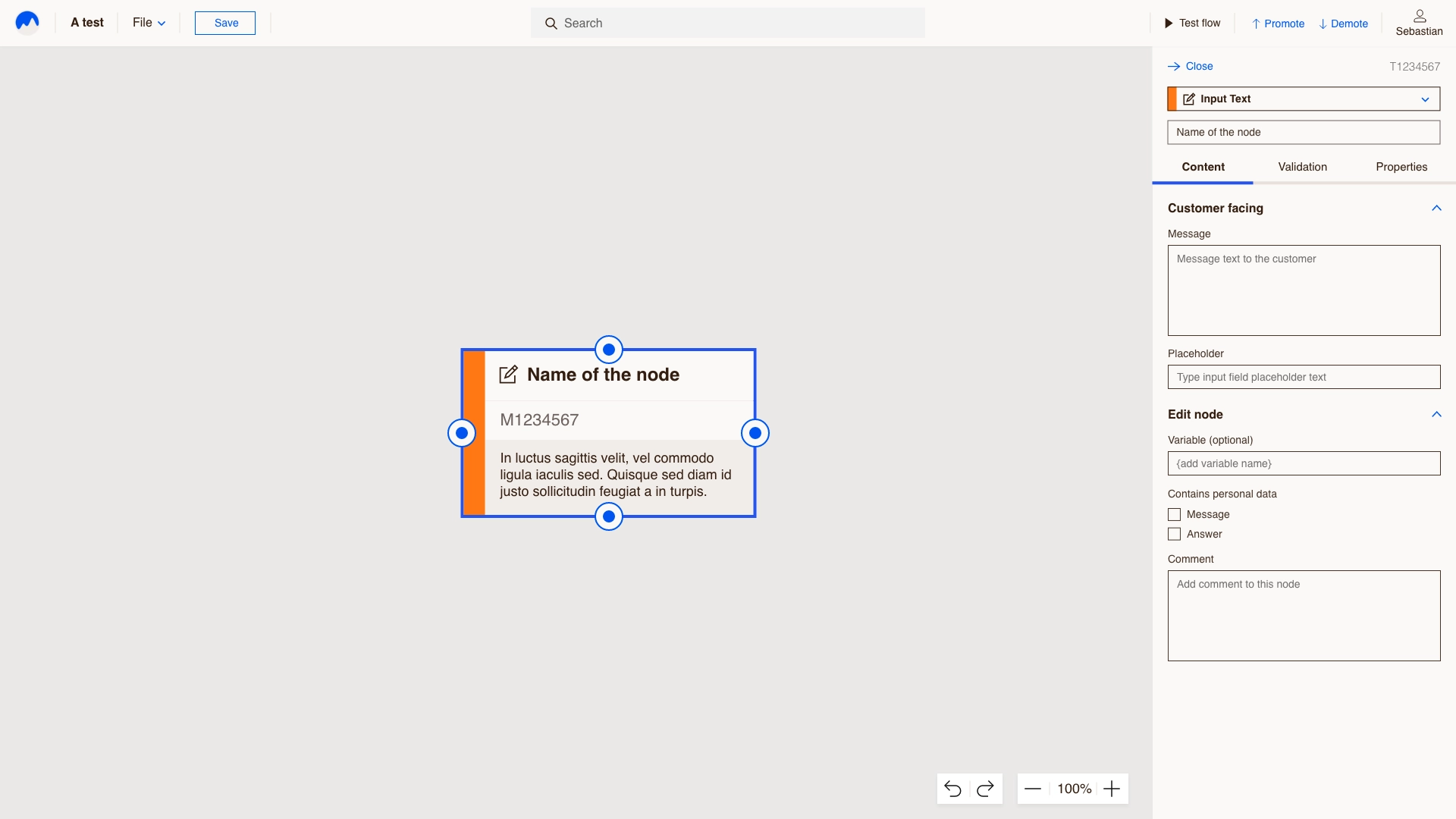
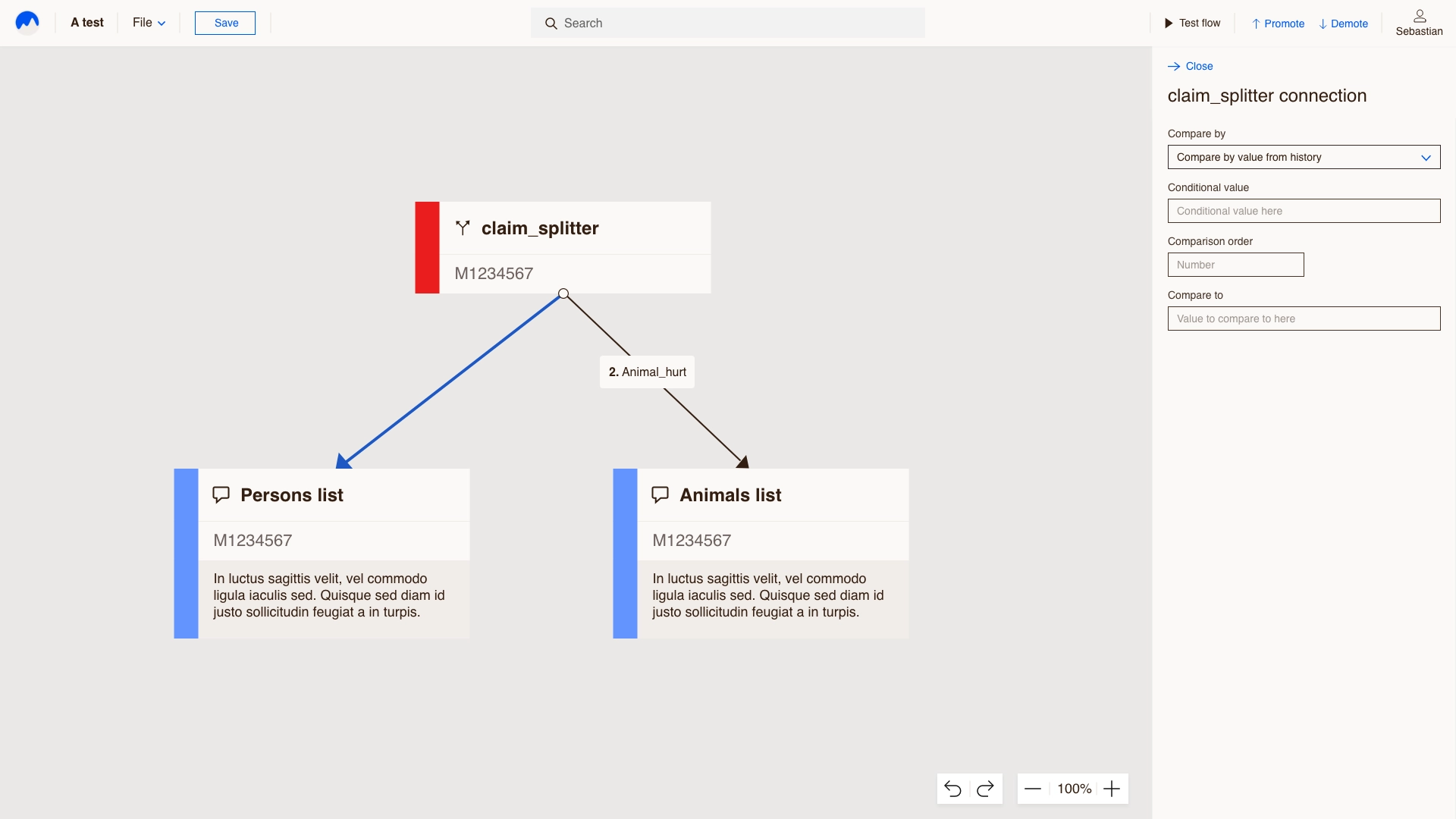
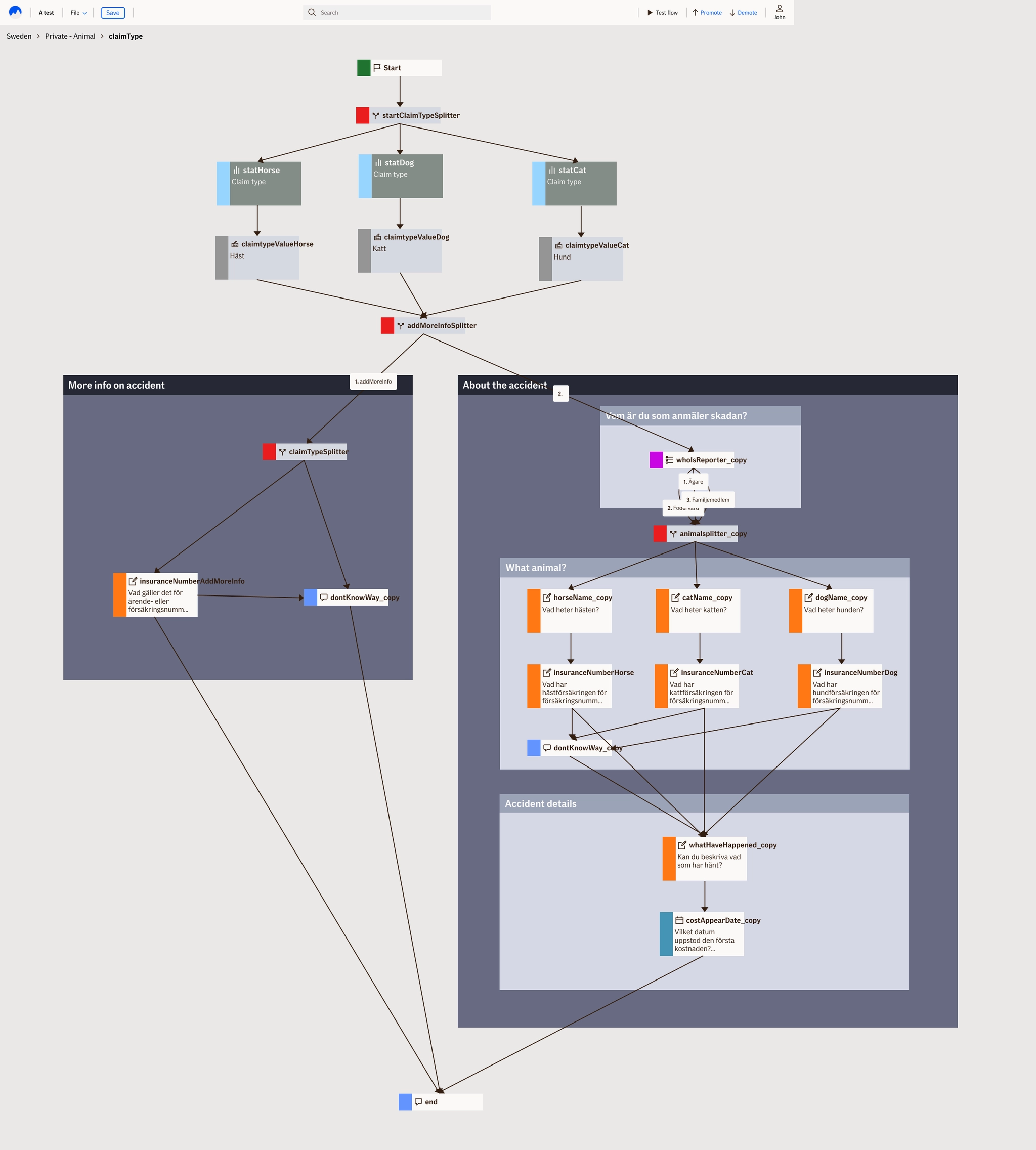
Thousands of rules don’t fit in your head as a list. As a map, you see where every path goes and what changes if you move a question.
Same design system, tuned for experts
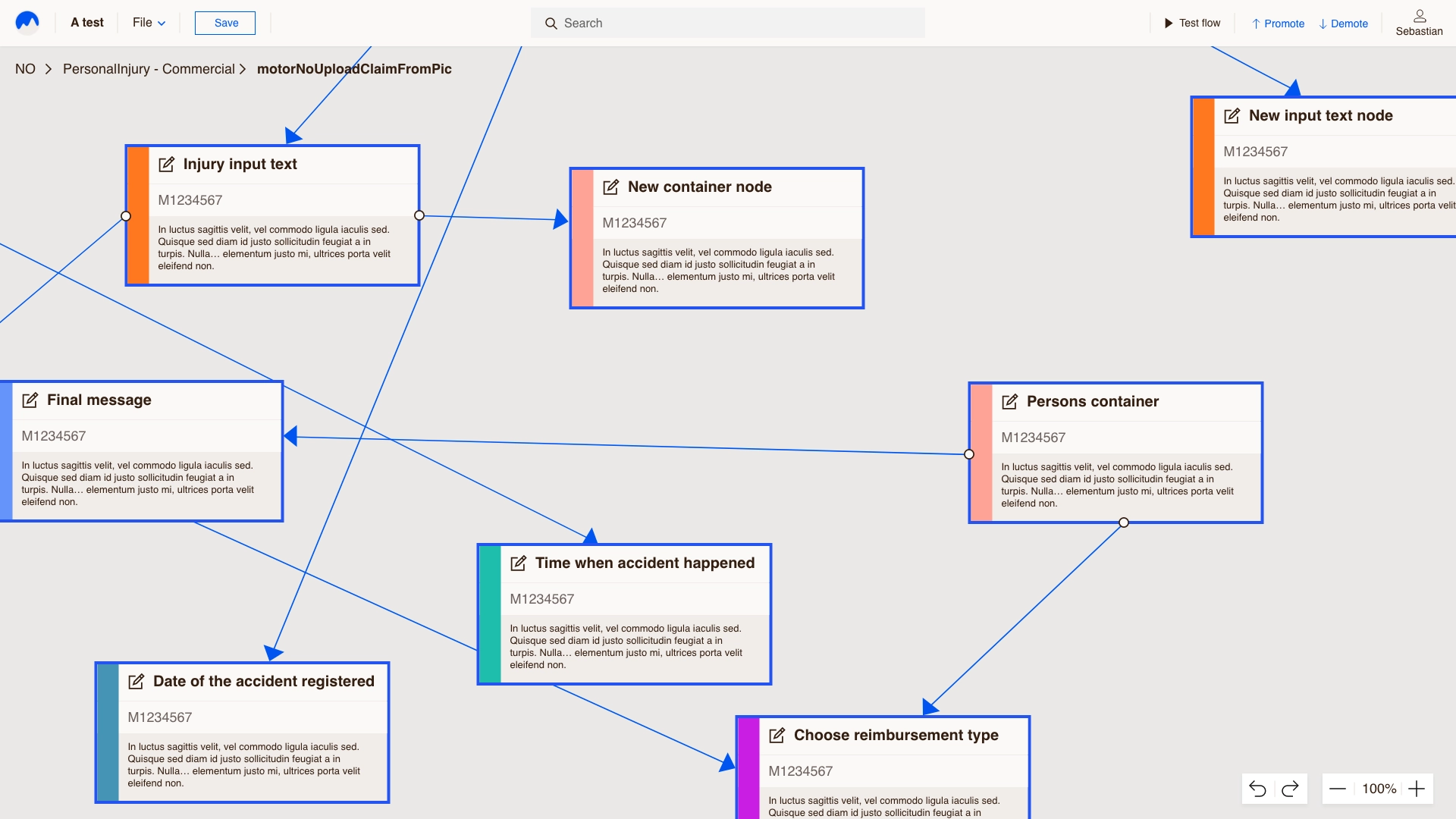
If’s design system, made denser for all-day work, with a properties panel beside the canvas and reusable nodes and sections.
The design
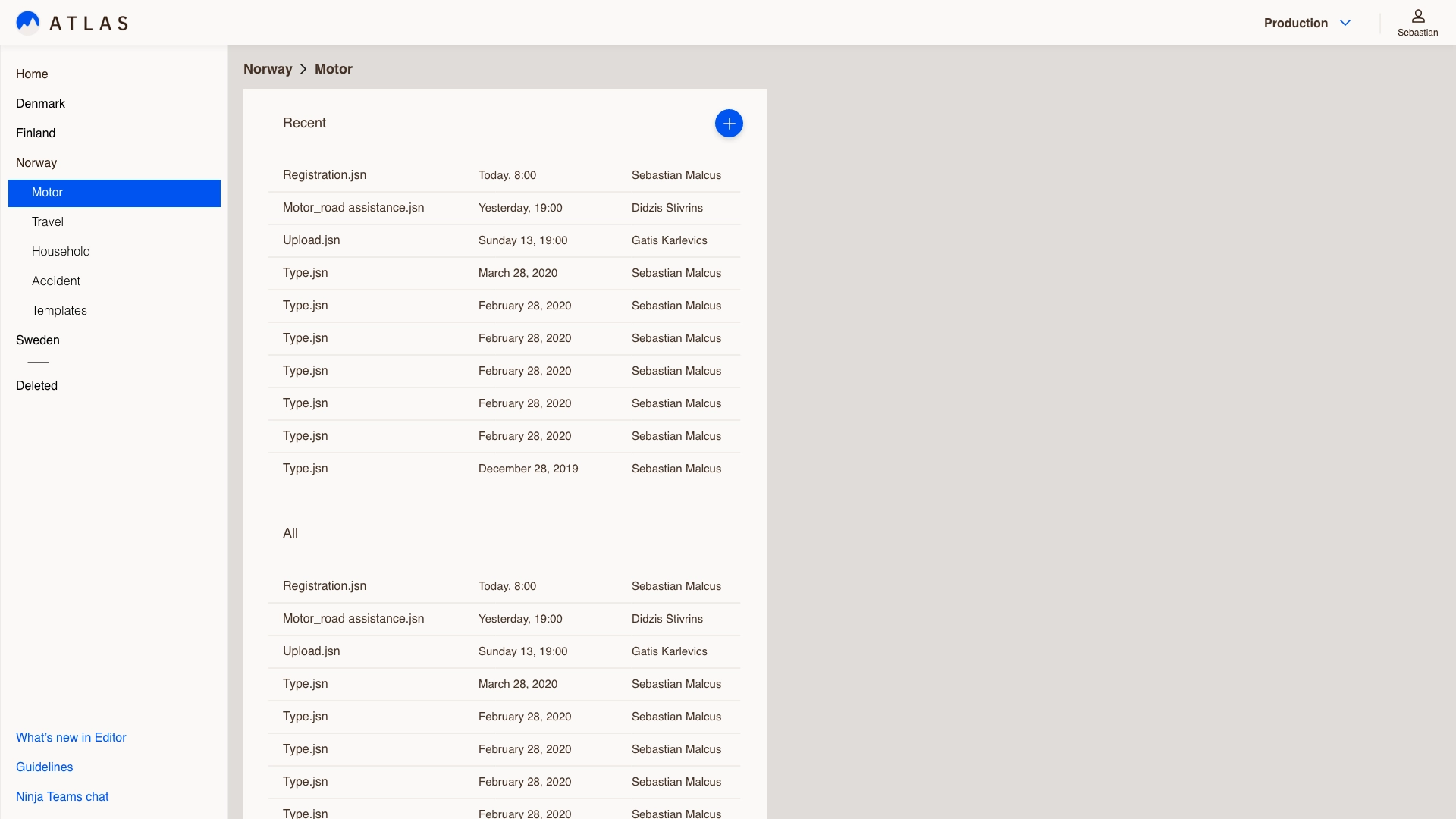
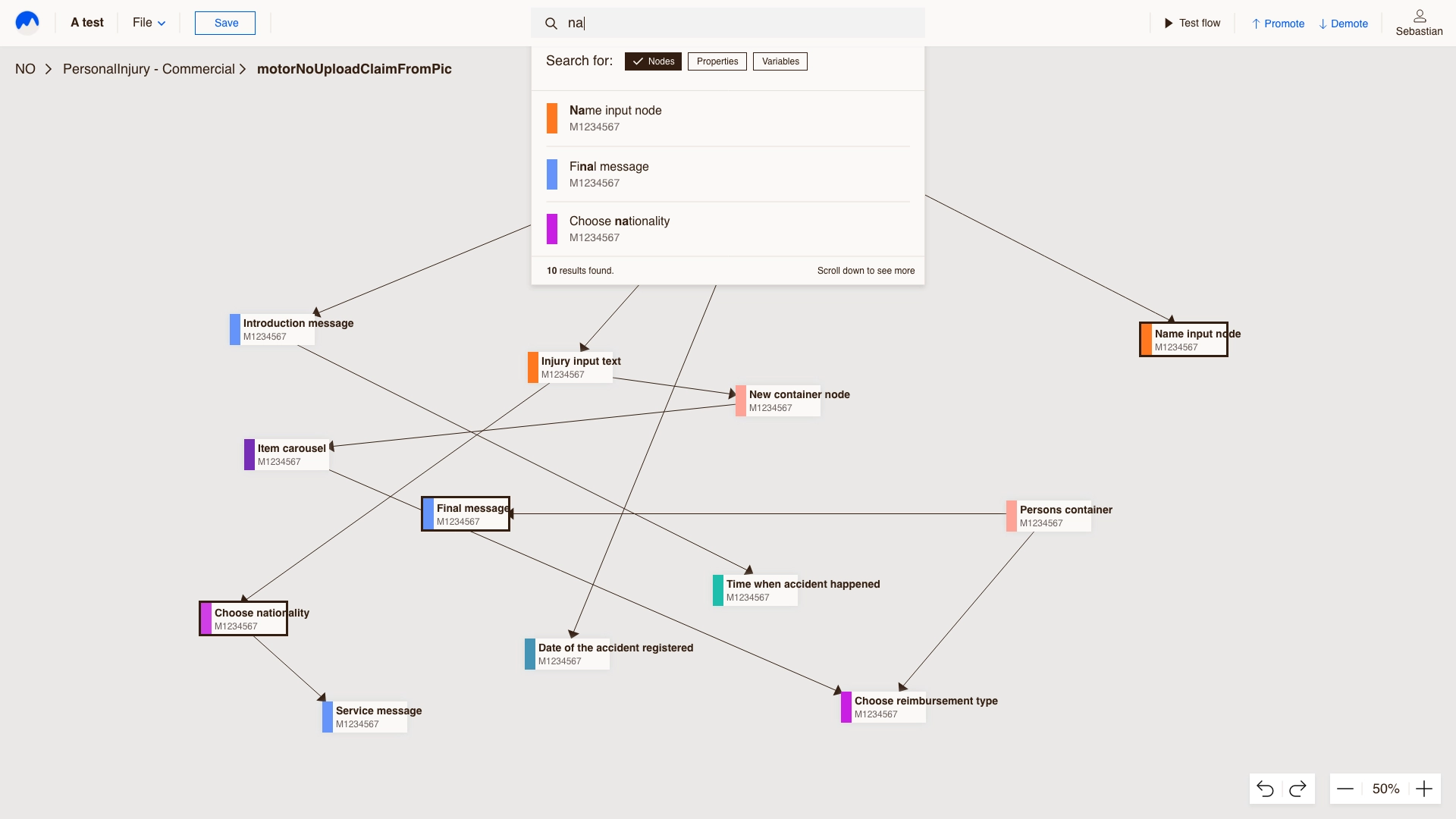
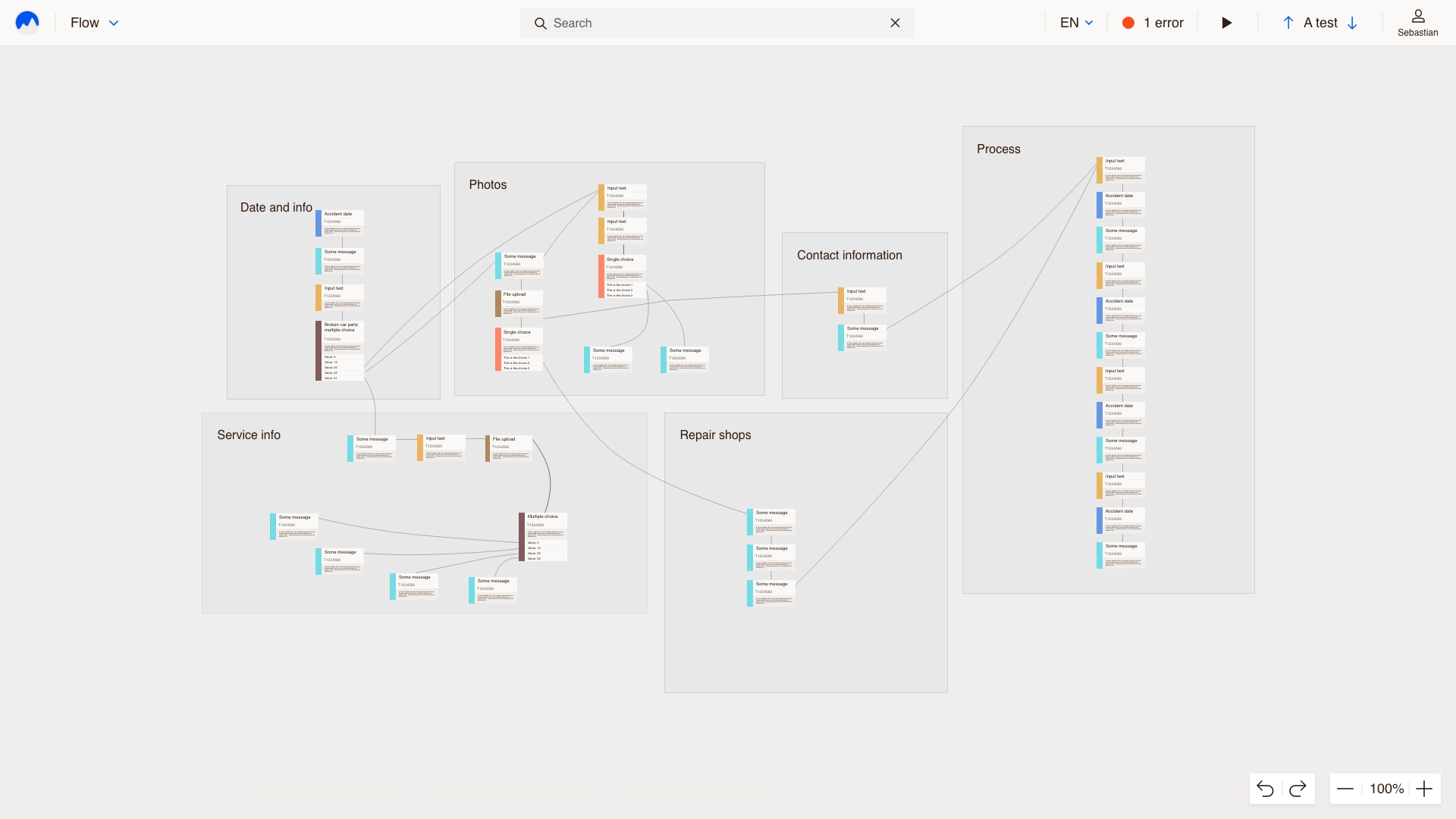
Forms organised by country and product, search across every node, groups and sections for big forms, and multi-select for changing many nodes at once.
Result
What started as a claims tool now builds customer-facing forms across the company.
Looking back
Atlas taught me what systematic design means: when the system is right, teams create forms I’ll never see, and they still work. And experts don’t need things simplified, they need them clear, fast and predictable, because every form they build ends up in front of a customer.